Connect your Parqet account
Sign in with Parqet. FGC uses the official, read-only Parqet connection — nothing is changed in your portfolio.
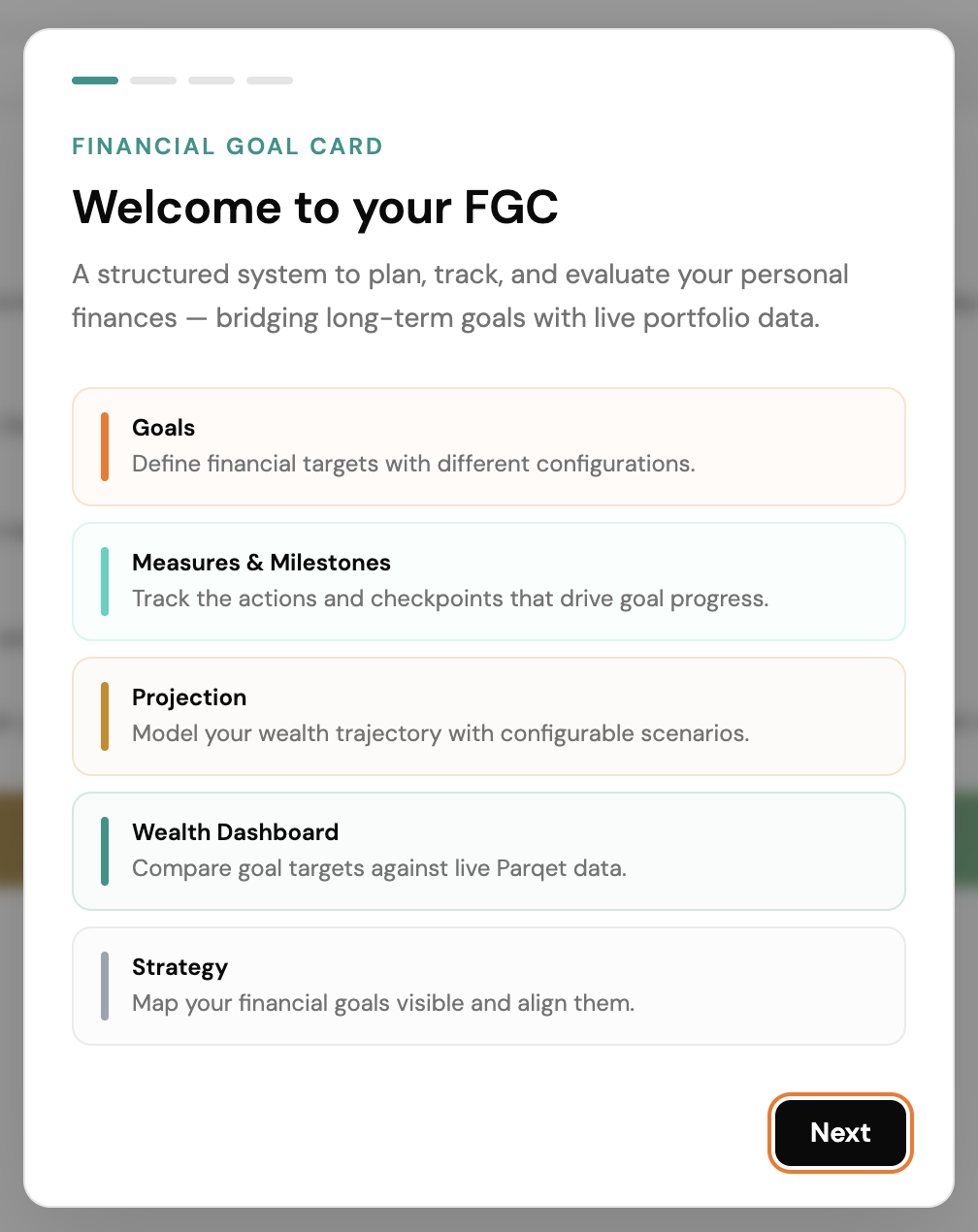
FGC connects to your Parqet data and helps you set goals, track milestones and see where your wealth is heading.
These modules are mainly available.
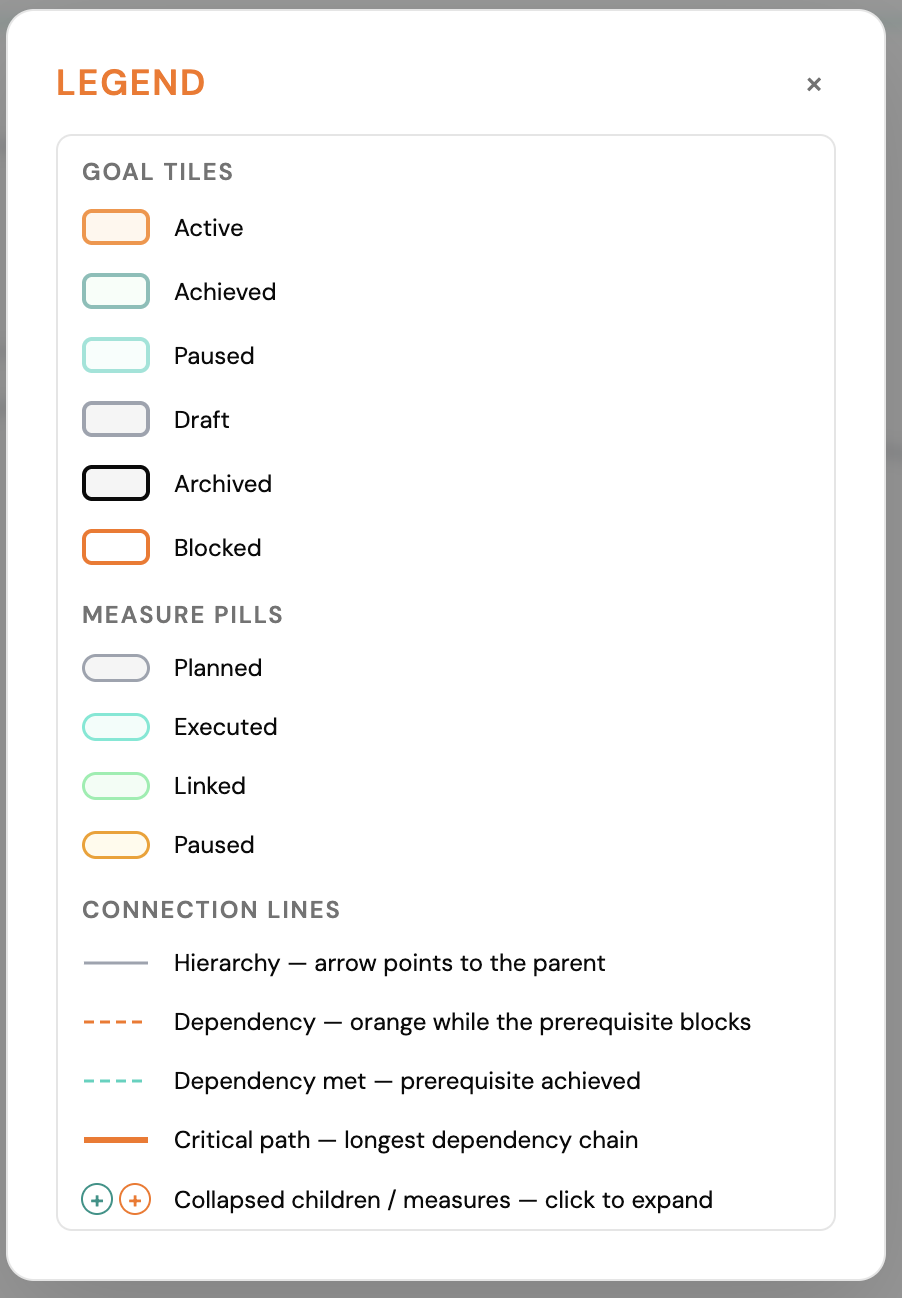
Connect your goals on a strategy map and keep the big picture in view.
Define different goals for your total wealth, a portfolio or a single asset.
See how measures and returns shape your wealth over the years ahead.
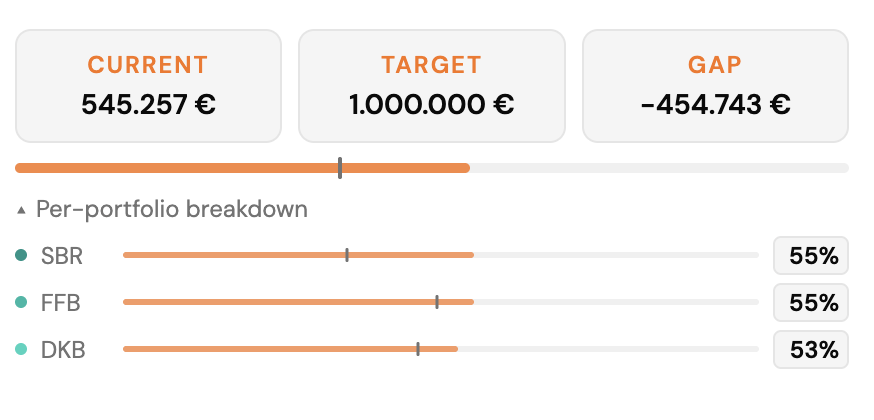
One summarized view of all selected goals and live portfolio values.
Four simple steps to start.
Sign in with Parqet. FGC uses the official, read-only Parqet connection — nothing is changed in your portfolio.
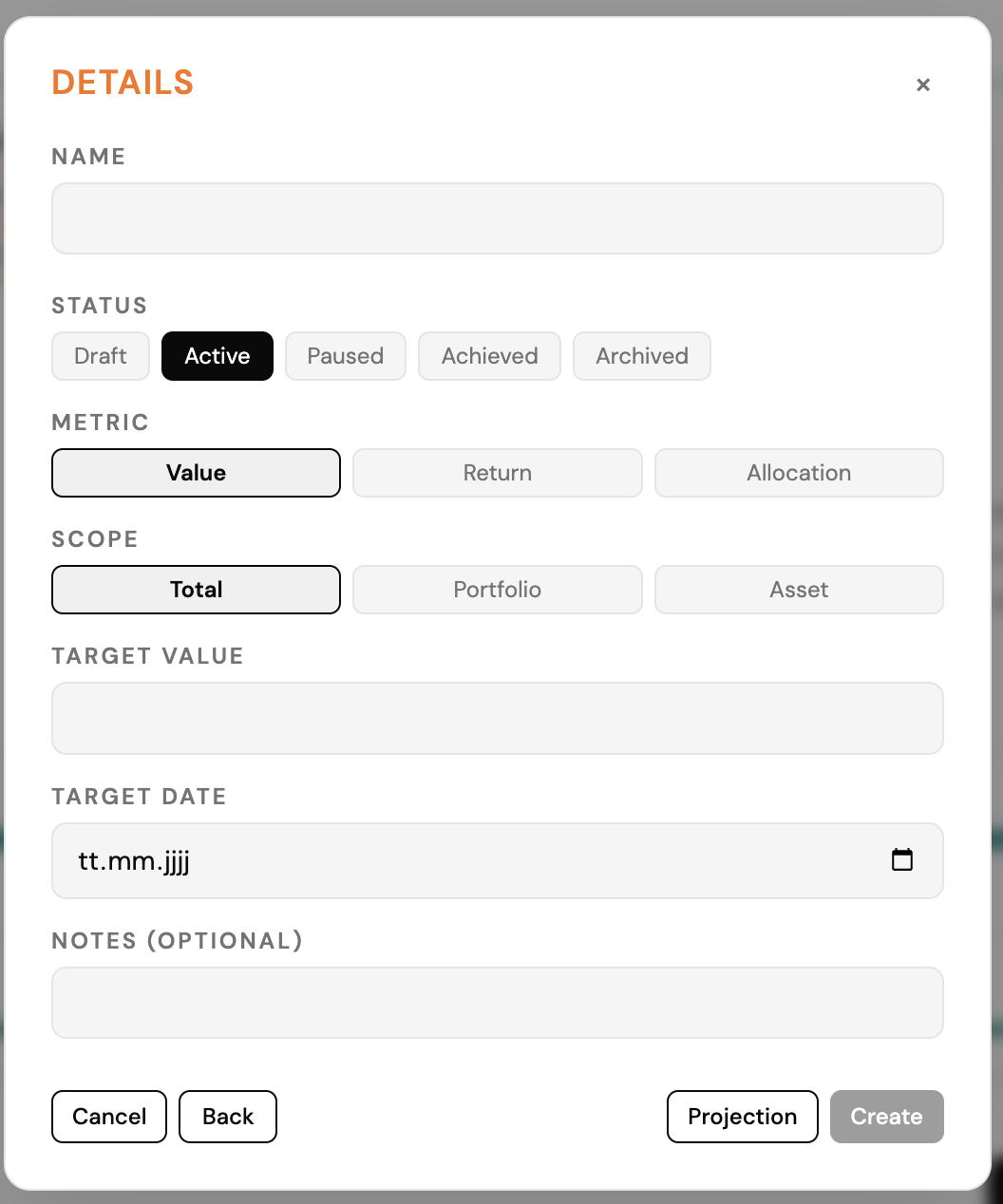
Pick a target — a value, a yearly return or an allocation — and a date. The Quick Goal Bar suggests sensible presets to get you started.

Break your goal into steps: measures and milestones along the way. FGC shows them against your live data.

The projection chart and the Wealth Dashboard show where you stand today and where you're heading — updated with every visit.
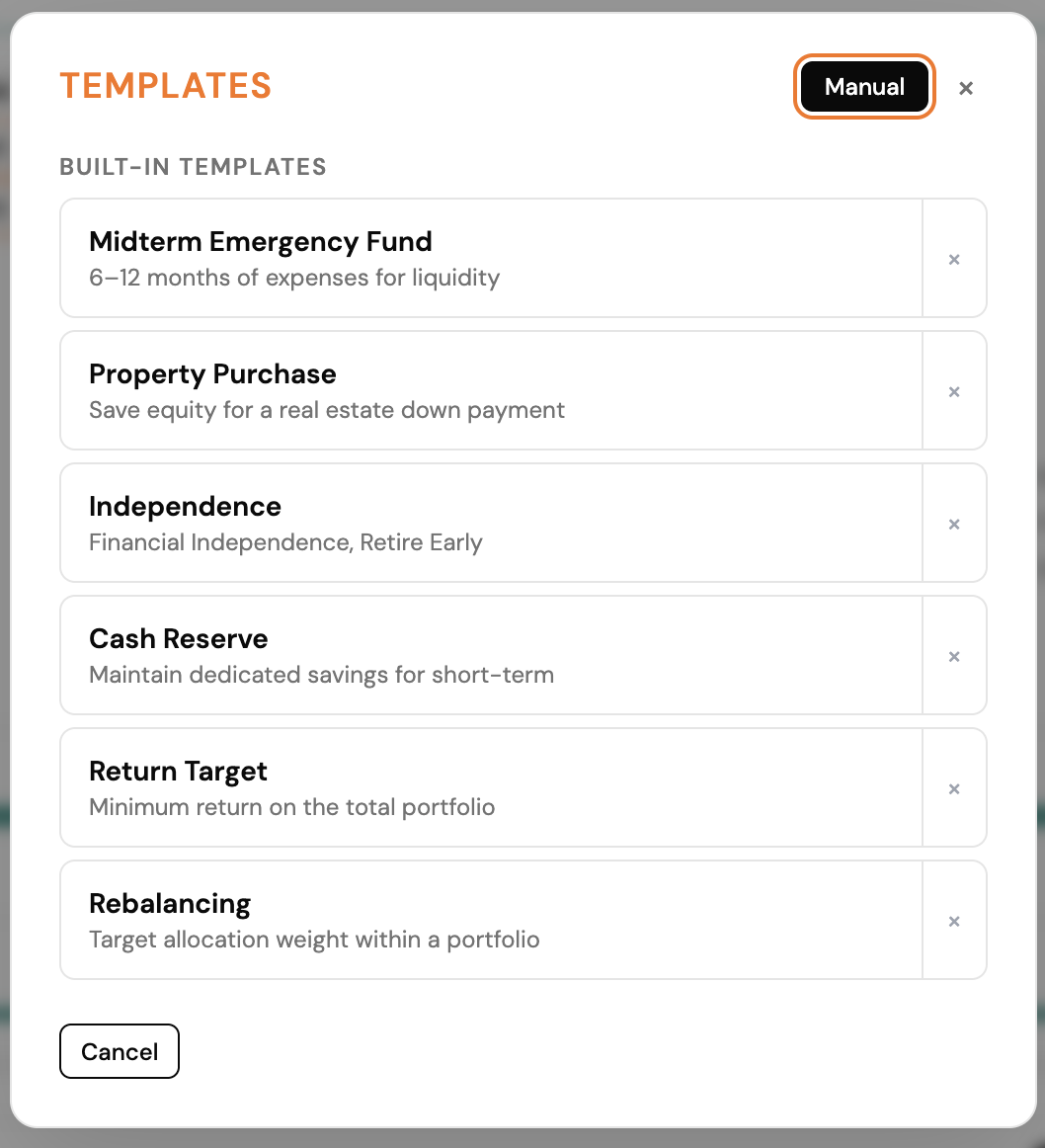
Choose a preset or set your own target and date — for your total wealth, one portfolio or a single asset.
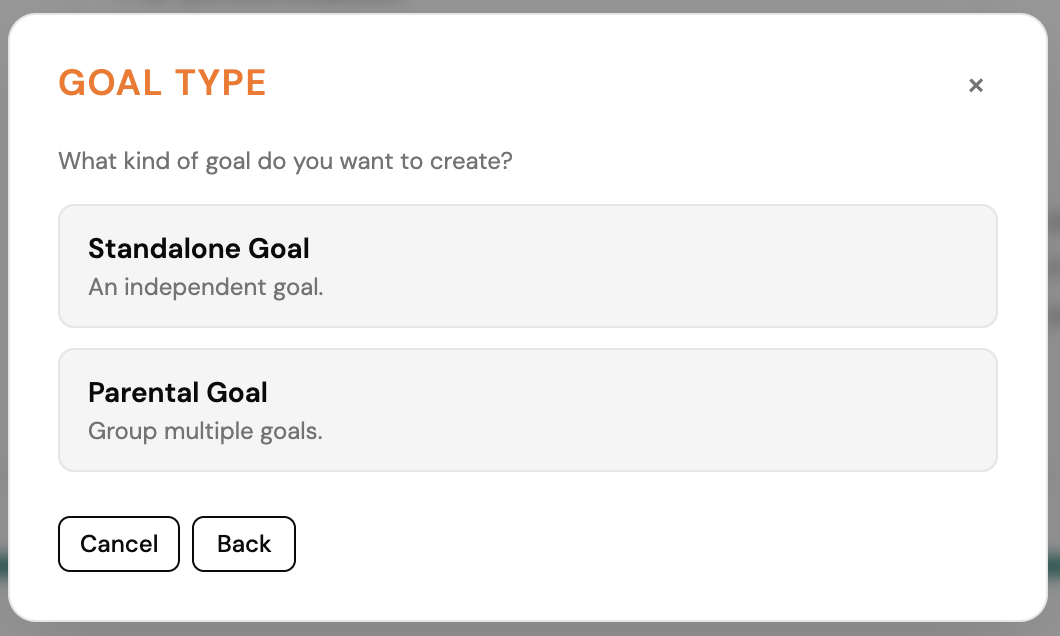
Pick the type that fits your goal — Parental or Standalone. As starter Standalone is easier to use.
Set target, date and further options in the goal card — progress is shown against your live data.
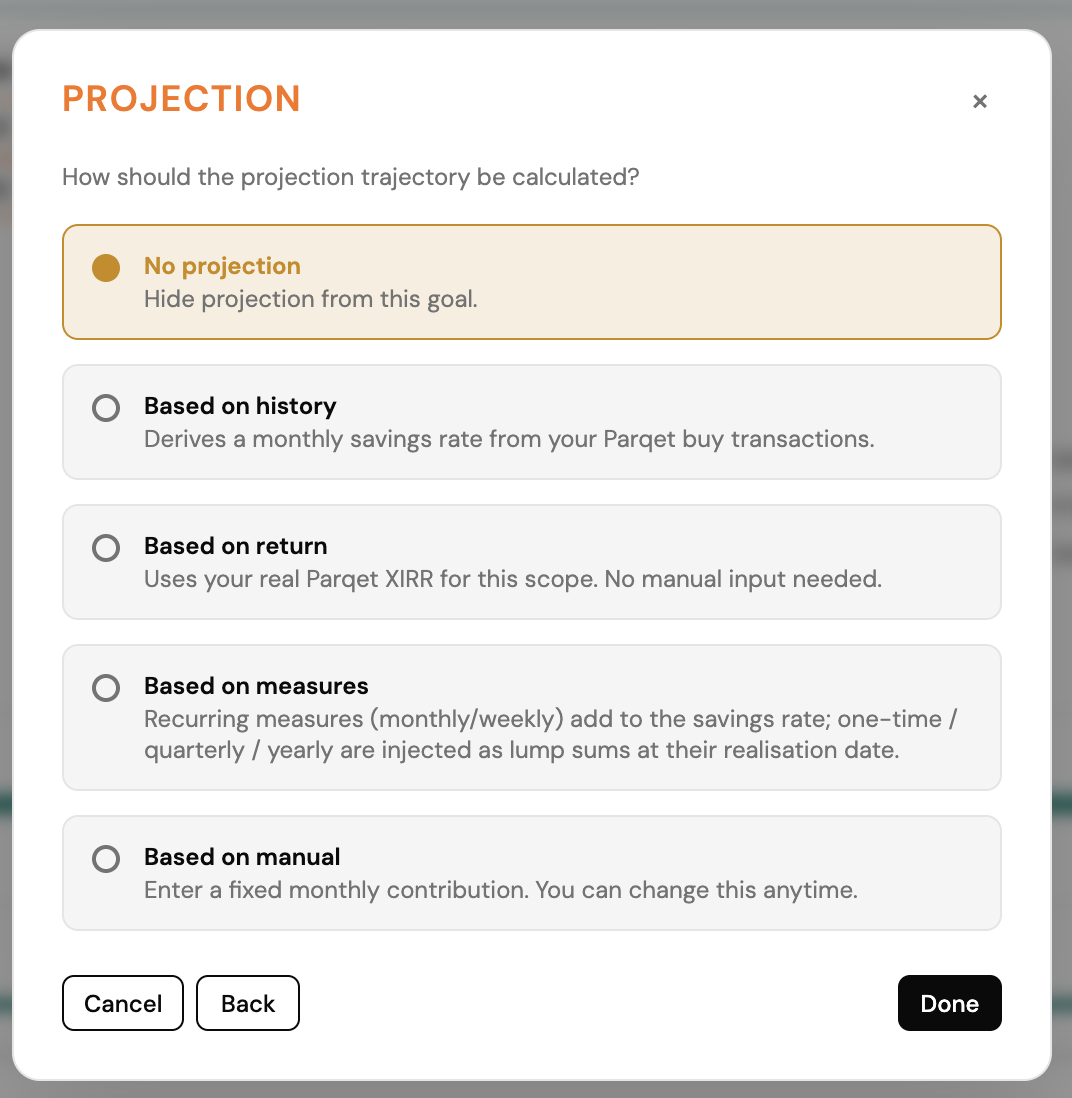
See the projected path toward your target directly for your goal.
Badges on the goal card show status and progress at a glance.
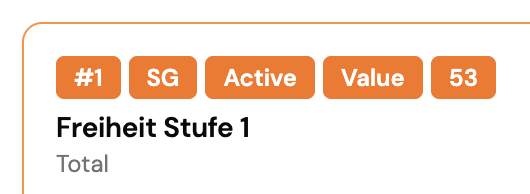
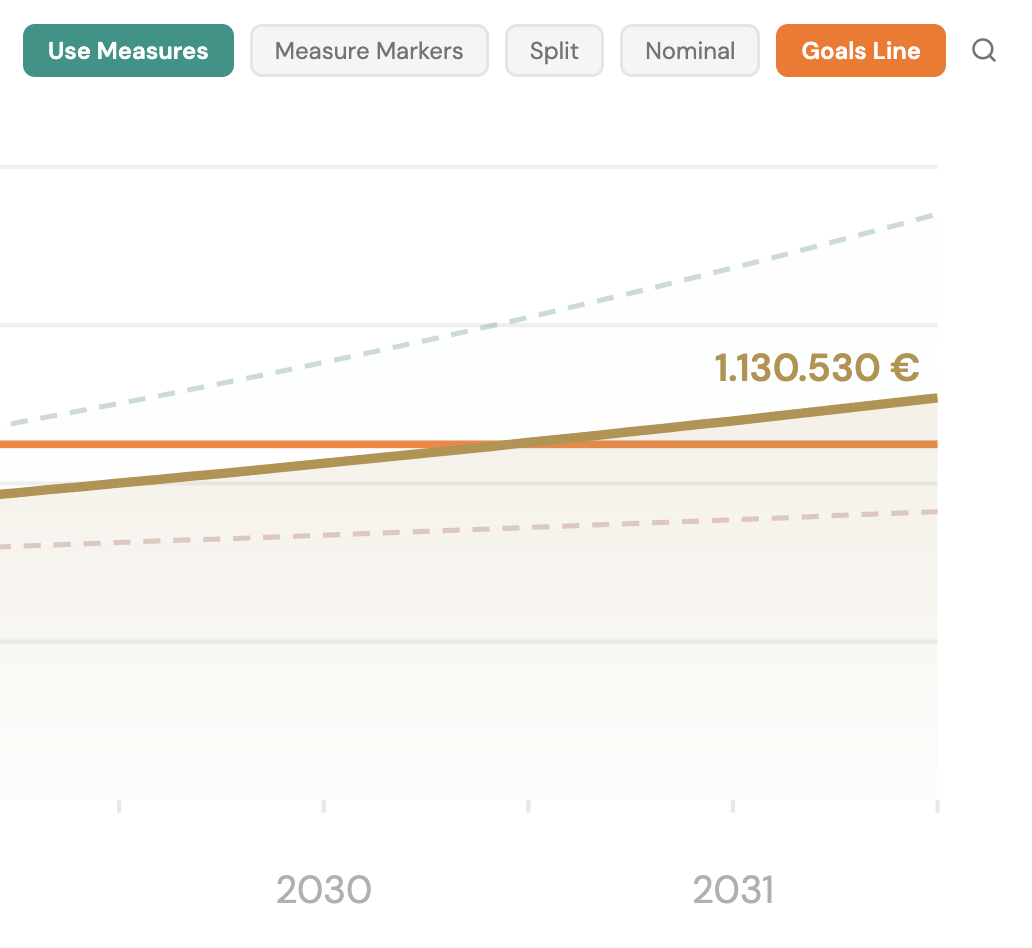
The buttons control your projection view.

Pick the scenario you want to explore.
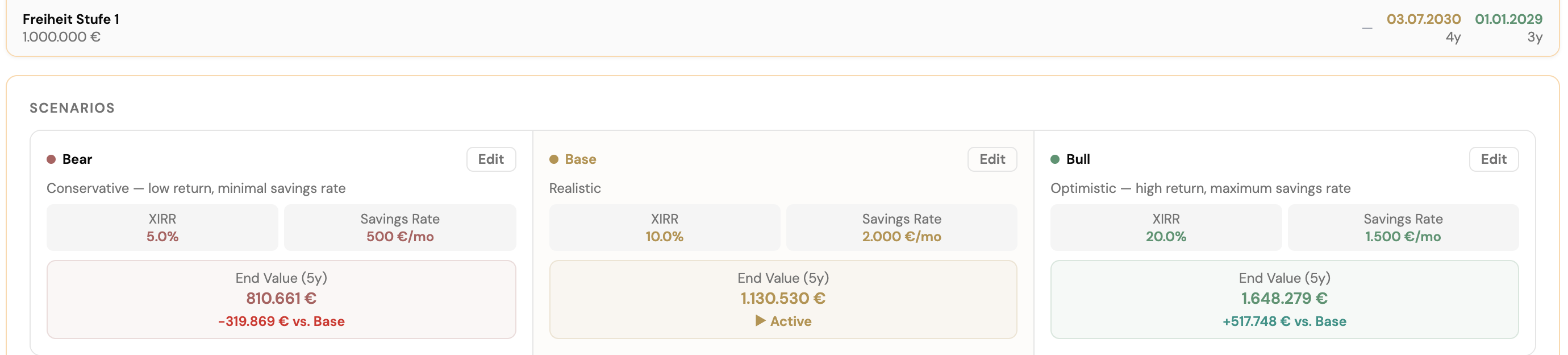
Display the scenario and see the projected curve.

Turn on savings options to include them in the projection.

Add further options to refine your scenario.

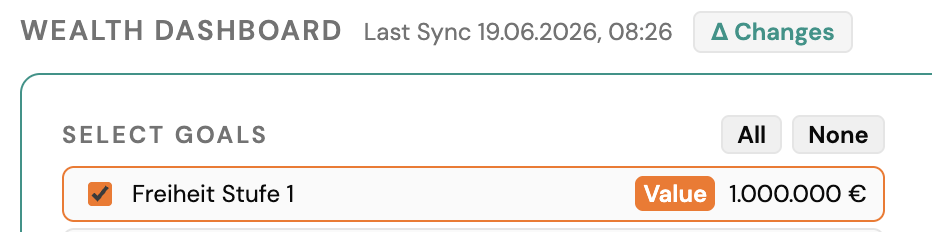
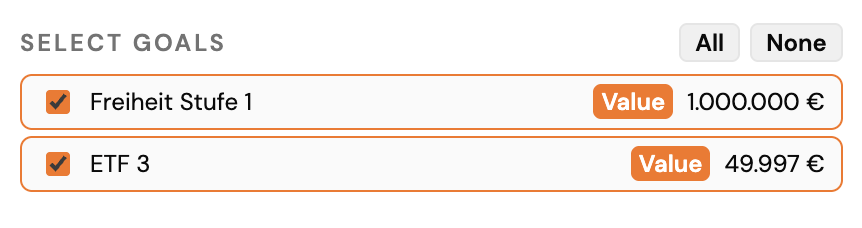
Choose which goals appear on the dashboard.
Progress donuts and values for goals end date.
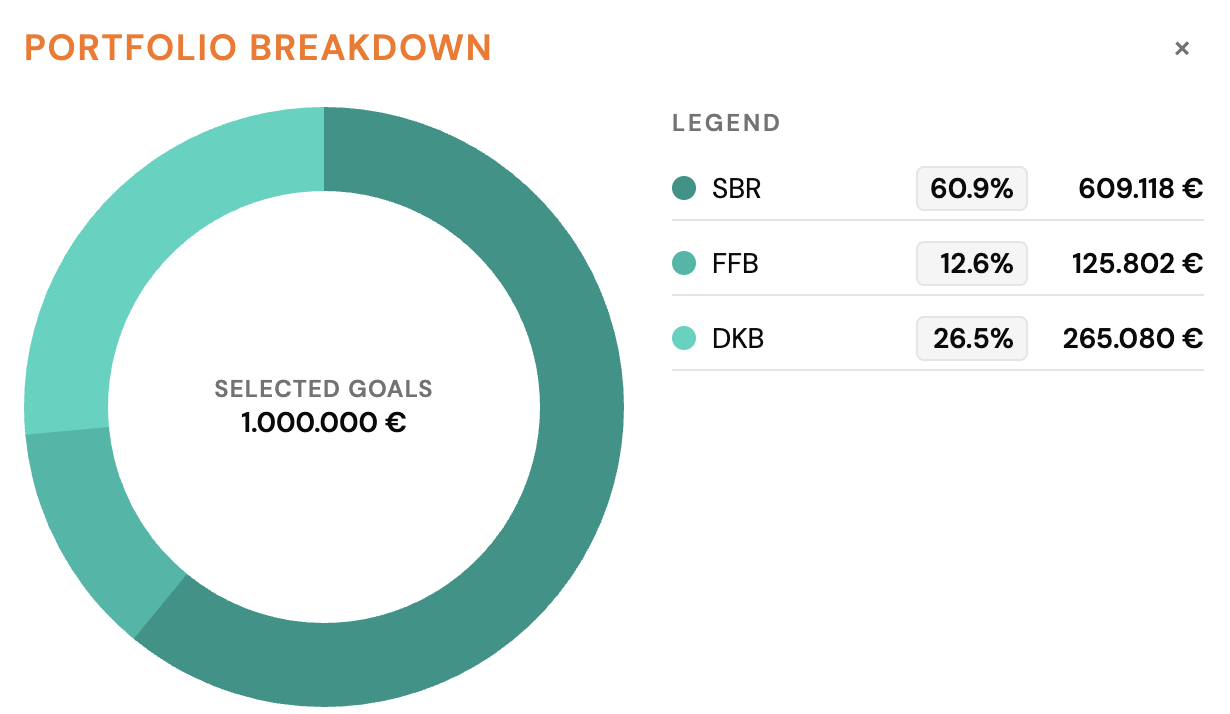
The dashboard aggregates your selected goals.
The buttons control your Strategy Map view.

Switch how your goals are displayed on the map.
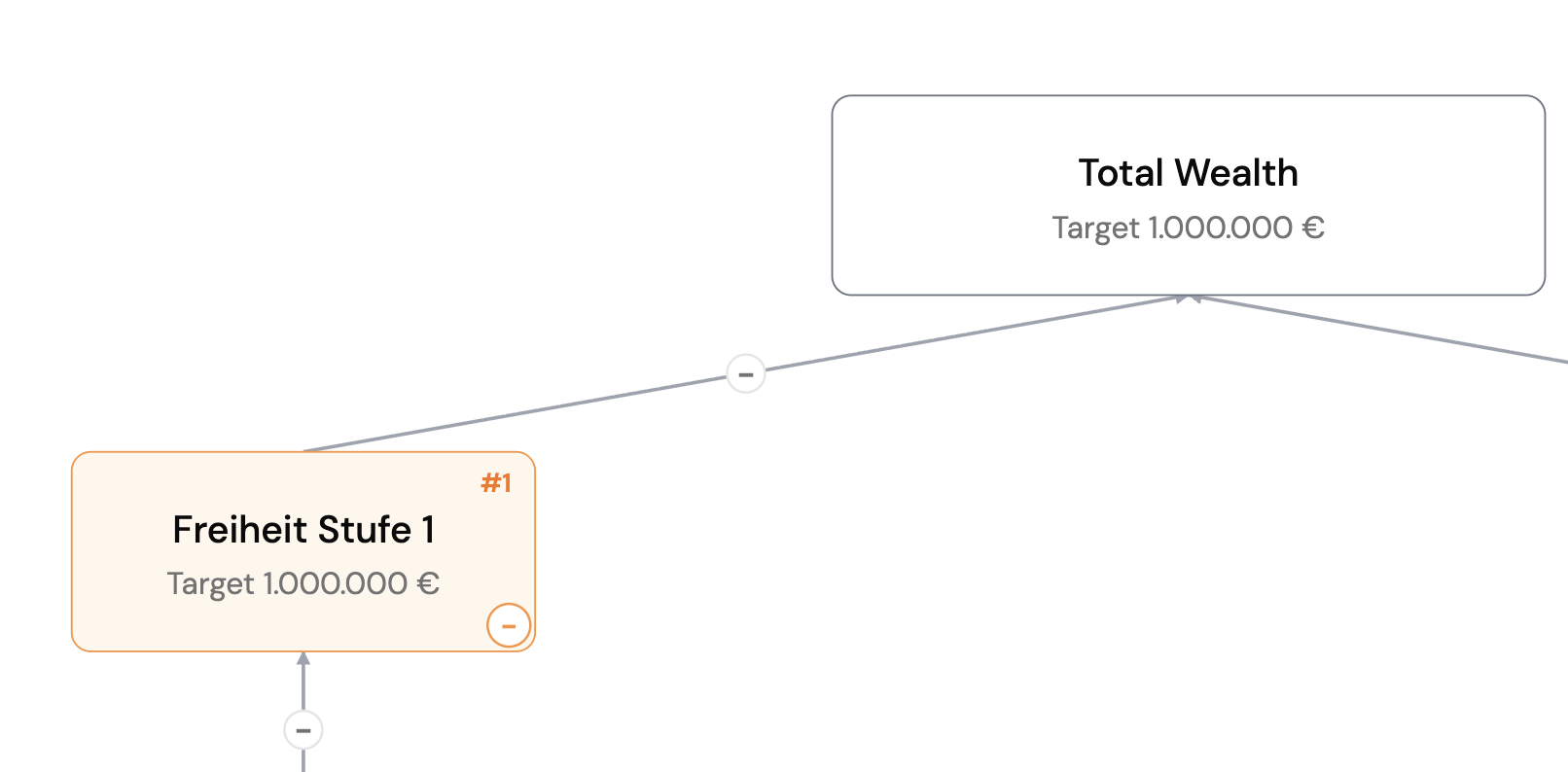
The legend explains the colors and symbols on the map.